
Real Examples
LEGO Mosaic Case Studies: 10 Real Results
Explore 10 real BMBrick mosaics, from 48x48 pet portraits to 96x64 wedding and family builds. Each case pairs the original photo with 2D/3D previews, PDF blueprint excerpts, parts lists, cost estimates, and lessons learned so you can choose the right photo, size, and material before buying bricks.

Dog Portrait at 48×48

Portrait Size Comparison

Couple Photo at 64×48

Wedding Photo at 96×64
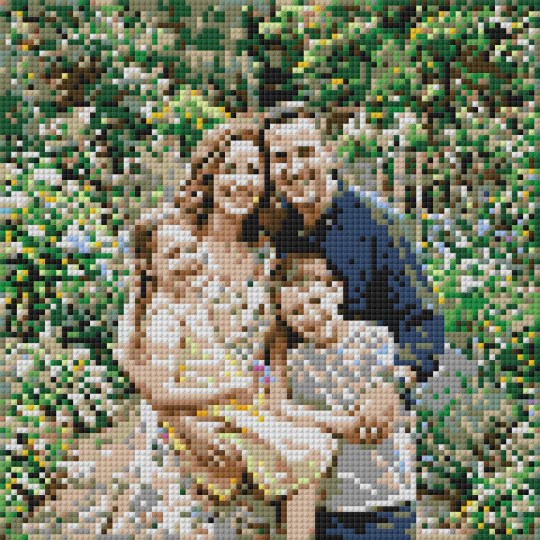
Family Photo at 96×96

Square vs Round Studs

Cost Reduction: Background Removal
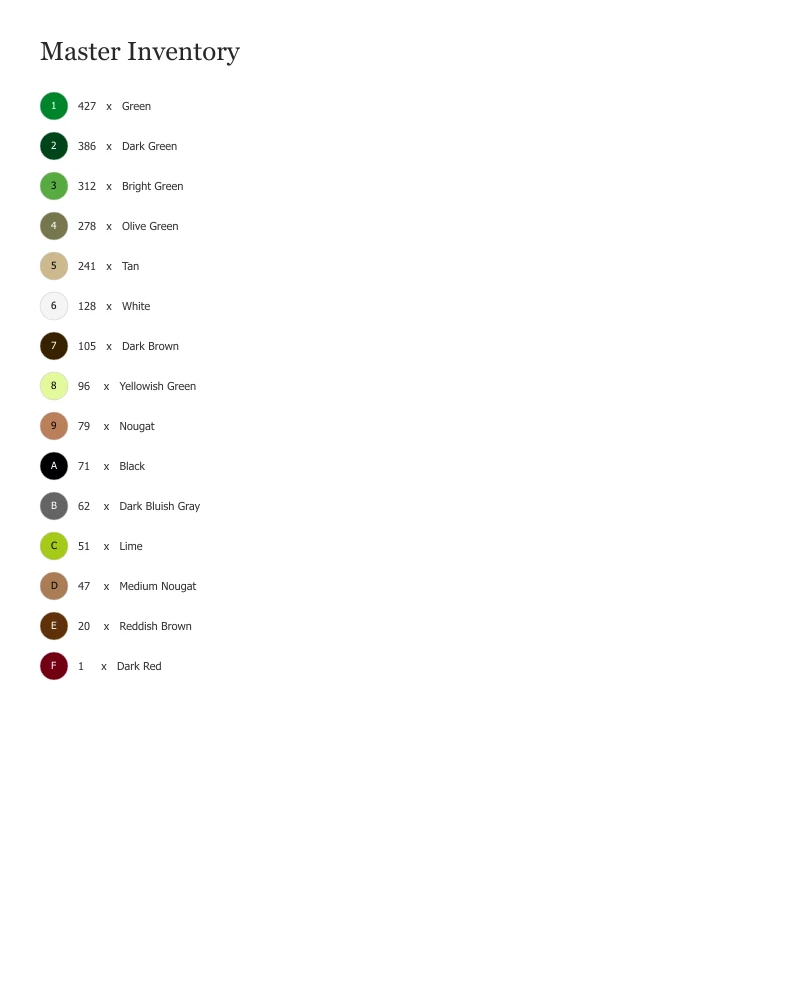
BrickLink XML Workflow
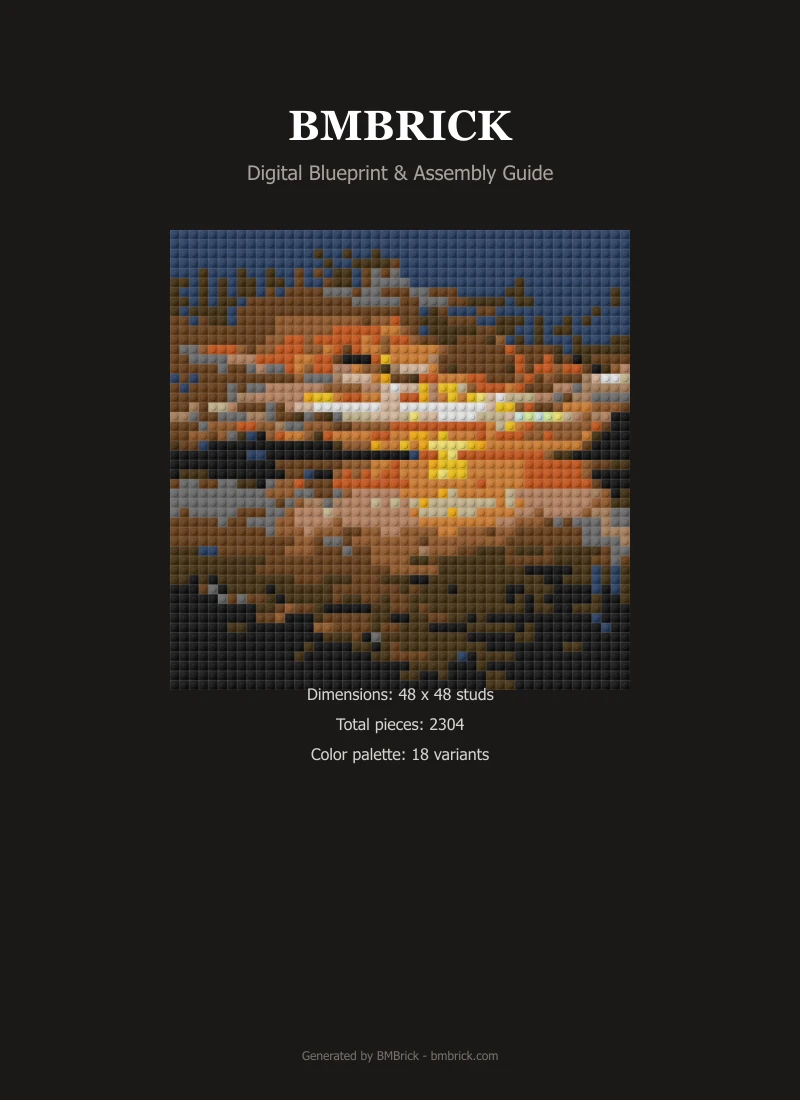
PDF Blueprint Walkthrough

Blurry Photo Analysis
What Makes These Cases Different
Every case study shows the full pipeline: original photo →color-optimized mosaic →PDF instructions →parts list with quantities. No cherry-picked results —we include failures too (see Blurry Photo Analysis).
Size and Cost Reference
48x48: 2,304 pcs, ~$138, 3-5 hrs. 64x64: 4,096 pcs, ~$246, 6-10 hrs. 96x96: 9,216 pcs, ~$553, 12-20 hrs. All estimates based on LEGO PAB at $0.06/piece.
Photo Selection Guide
Clear subjects with good contrast convert best. Close-up portraits, pet faces, and landmarks with clean backgrounds are ideal. Avoid blurry, low-contrast, or overly busy scenes.
Planning Questions
Frequently Asked Questions
What size LEGO mosaic should I choose for a pet portrait?
For a single pet face, 48x48 (2,304 pieces, ~$138) is the sweet spot. It captures eyes, nose, and distinct fur markings. For more detail or multiple pets, use 64x64 (4,096 pieces, ~$246).
How much does a LEGO mosaic cost to build?
Cost depends on size: 48x48 is ~$138 (2,304 pieces), 64x64 is ~$246 (4,096 pieces), 96x96 is ~$553 (9,216 pieces). These estimates are based on LEGO Pick-a-Brick pricing at $0.06/piece.
What photos work best for LEGO mosaics?
Photos with clear subjects, good contrast, and recognizable features work best. Close-up portraits, pet faces, and landmarks with clean backgrounds convert well. Avoid blurry, low-contrast, or overly busy scenes.
How long does it take to build a LEGO mosaic?
Build time depends on size: 48x48 takes 3-5 hours, 64x64 takes 6-10 hours, 96x96 takes 12-20 hours. Using PDF instructions with the 16x16 module workflow reduces eye strain and errors.
Should I use square plates or round tiles?
Square plates (3024) provide smoother gradients and are better for portraits. Round tiles (98138) create a pop-art look with visible gaps. See our Square vs Round case study for visual comparison.
How to make LEGO pixel art from a photo?
Select your photo in BMBrick's free LEGO pixel art generator. The tool converts your image into a LEGO-compatible mosaic with color-optimized bricks, instant 2D/3D preview, PDF building instructions, and a parts list for PAB, Webrick, or BrickLink.
Can I create custom LEGO pixel art?
Yes. BMBrick lets you create custom LEGO pixel art from any photo. Choose your grid size (48x48, 64x64, or 96x96), material style (square plates or round tiles), and export a complete build plan with PDF instructions and sourcing files.
Make Your Own
Ready to create your own LEGO mosaic?
Upload a photo and see how it converts to buildable LEGO pixel art with instant preview, PDF instructions, and parts list.